
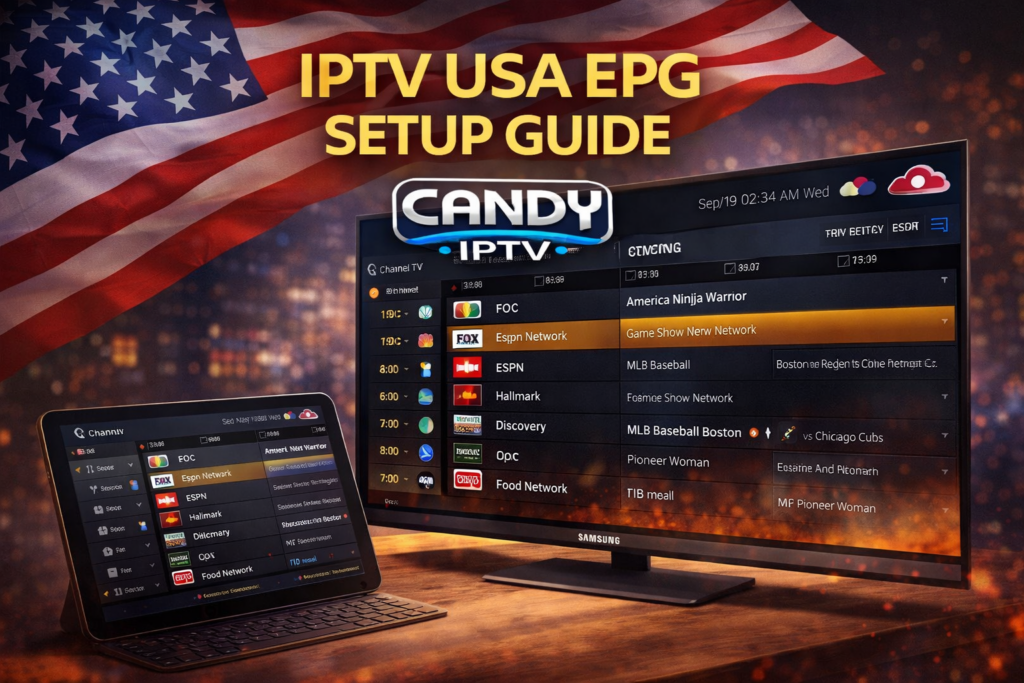
IPTV USA EPG Setup Guide | Candy Cloud IPTV
IPTV has revolutionized the way people watch television in the United States. With access to thousands of channels, movies, sports, and live events, IPTV provides a powerful alternative to traditional cable services. However, to fully enjoy IPTV, one important feature is often overlooked: the EPG.
EPG (Electronic Program Guide) allows users to view TV schedules, upcoming programs, and channel information directly within their IPTV app. In this complete guide, we will explain everything you need to know about IPTV USA EPG setup and how to configure it بسهولة using Candy Cloud IPTV.
What is IPTV EPG?
EPG stands for Electronic Program Guide. It is a digital guide that displays TV schedules and program information for each channel.
Instead of manually browsing channels, EPG allows you to:
- See current and upcoming shows
- Navigate channels easily
- Plan your viewing schedule
- Access detailed program descriptions
Learn more about IPTV technology here: Internet Protocol Television .
Why EPG is Important for IPTV Users
Without an EPG, IPTV feels like traditional channel surfing. With EPG, the experience becomes similar to modern streaming platforms.
- Better navigation
- Improved user experience
- Easy access to content schedules
- Time-saving
Platforms like Candy Cloud IPTV provide advanced EPG support for premium users.
Requirements for IPTV EPG Setup
Before setting up EPG, make sure you have:
- Active IPTV subscription
- M3U playlist or Xtream Codes
- EPG URL provided by IPTV service
- Compatible IPTV app
Best IPTV Apps That Support EPG
Not all IPTV apps support EPG properly. Choosing the right app is essential.
Explore the best apps: Best IPTV Applications .
- IPTV Smarters Pro
- TiviMate
- XCIPTV Player
How to Add EPG in IPTV (Step-by-Step)
Method 1: Using M3U Playlist
- Open your IPTV app
- Go to settings
- Select “Add Playlist”
- Enter M3U URL
- Add EPG URL
- Save and refresh
Method 2: Using Xtream Codes
- Open IPTV app
- Select Xtream Codes login
- Enter username, password, server URL
- EPG loads automatically
Setting Up EPG on Smart TVs
Smart TVs provide the best IPTV experience.
Follow this guide: Watch IPTV on Samsung Smart TV .
Setting Up EPG on Firestick
Firestick is widely used for IPTV streaming.
Guide: Best IPTV for Firestick .
Advanced setup: IPTV Firestick 8K .
Common EPG Issues and Fixes
Sometimes EPG may not work correctly. Here are common issues:
- EPG not loading → Check URL
- No program data → Refresh playlist
- Wrong time → Adjust timezone
- App crash → Update app
Tips to Optimize IPTV EPG Performance
- Use reliable IPTV provider
- Update app regularly
- Clear cache
- Use stable internet
Choosing the Best IPTV Provider
Compare providers: Best IPTV Providers USA .
Premium IPTV Experience
Upgrade to premium: Candy Cloud IPTV 8K Premium .
EPG for Sports and PPV Events
EPG is very useful for live events.
Learn more: IPTV USA PPV Events .
Customer Support
Need help? Candy IPTV Support .
Advanced IPTV EPG Features
- Catch-up TV
- Recording options
- Multi-screen guide
- Program reminders
Future of IPTV EPG
EPG technology continues to evolve:
- AI recommendations
- Interactive guides
- Cloud-based scheduling
Conclusion
Setting up IPTV EPG is essential for a better streaming experience. It improves navigation, saves time, and enhances overall usability.
With Candy Cloud IPTV, you can enjoy a fully optimized IPTV experience with advanced EPG features.
Follow this guide and take your IPTV streaming to the next level.